 JAMIT
JAMIT
JAMIT
Your track,
our jam.
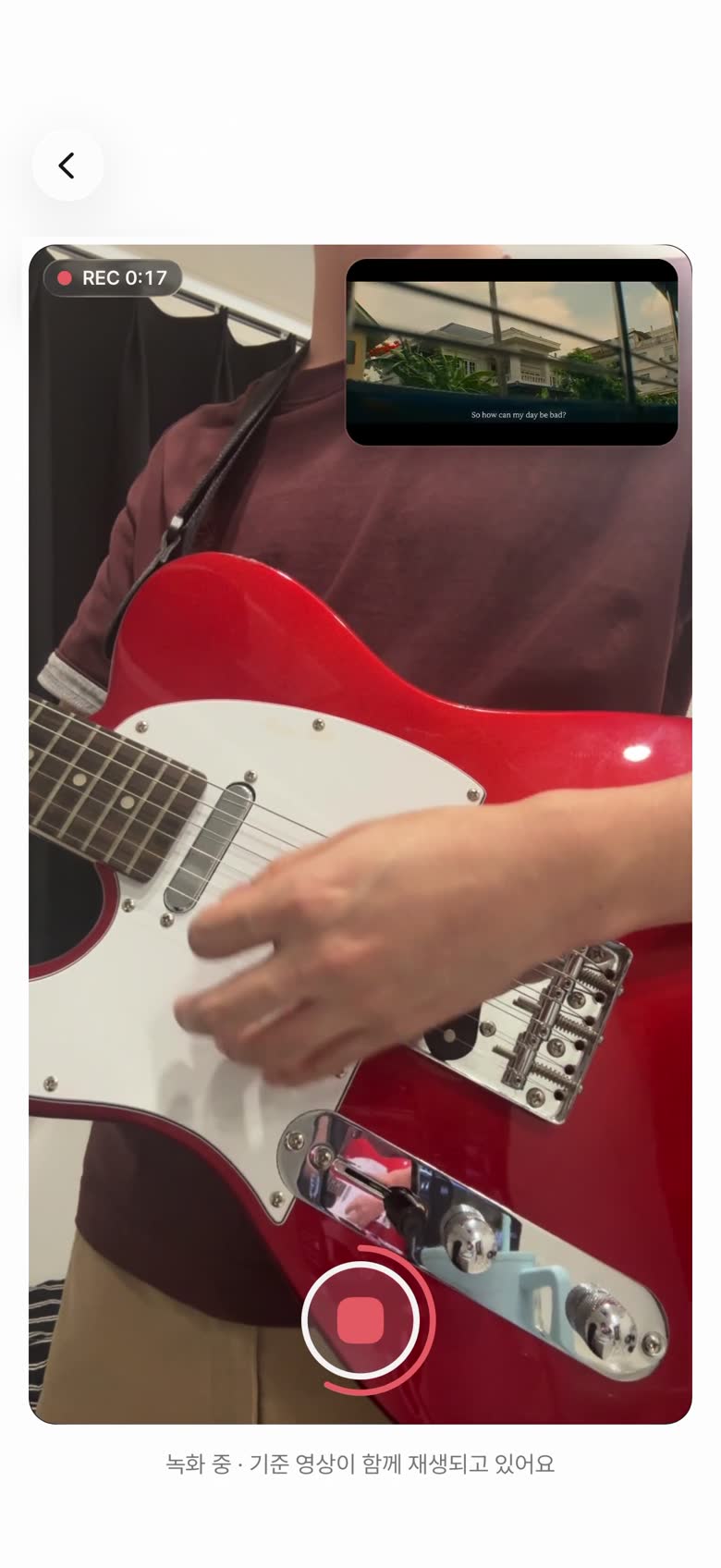
Play just your part and upload it —
JAMIT turns it into one jam video.


From a solo track
to a jam
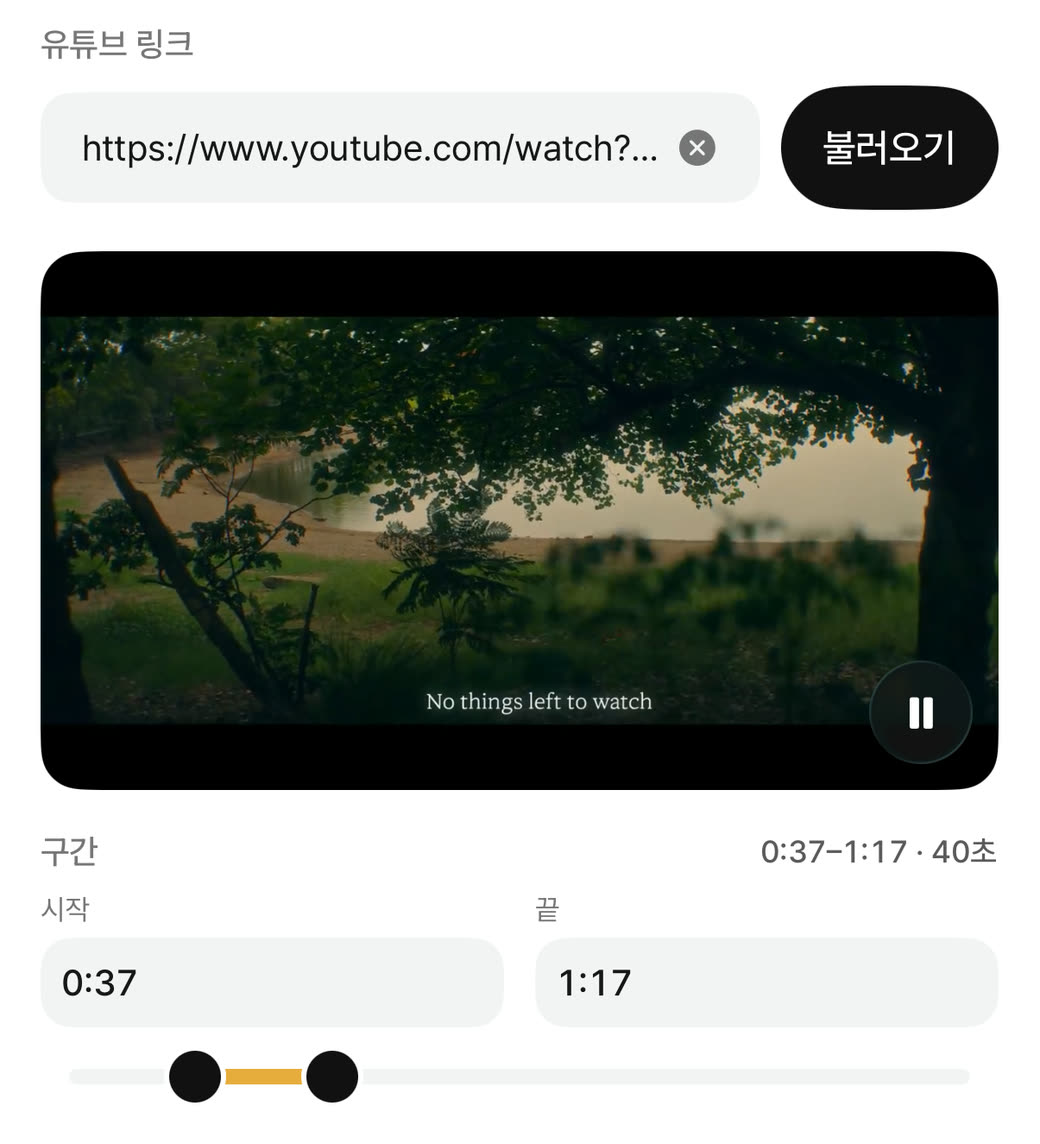
Add your part over a YouTube video or someone else’s track.
Choose the ones you like to make a song.
Mix and match tracks by instrument.
Arrange your tracks so they look great.
Reorder, resize, move, and rotate.
We call the jam video you make an Its.
Share your finished jam with friends.
Keep watching other people’s jams, too.
Scroll to move on to the next Its.
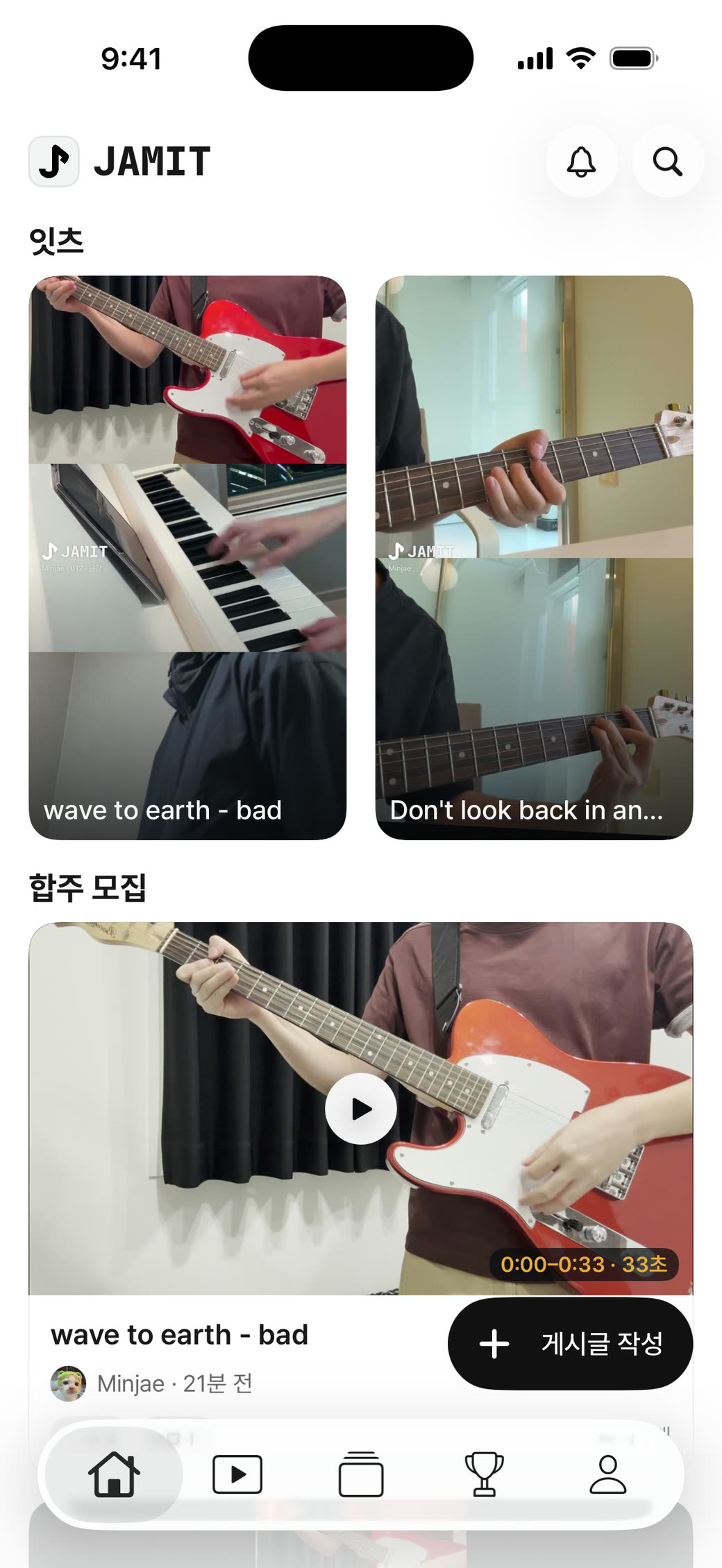
Jam posts
Turn solo playing
into a jam
Find a jam for your instrument.
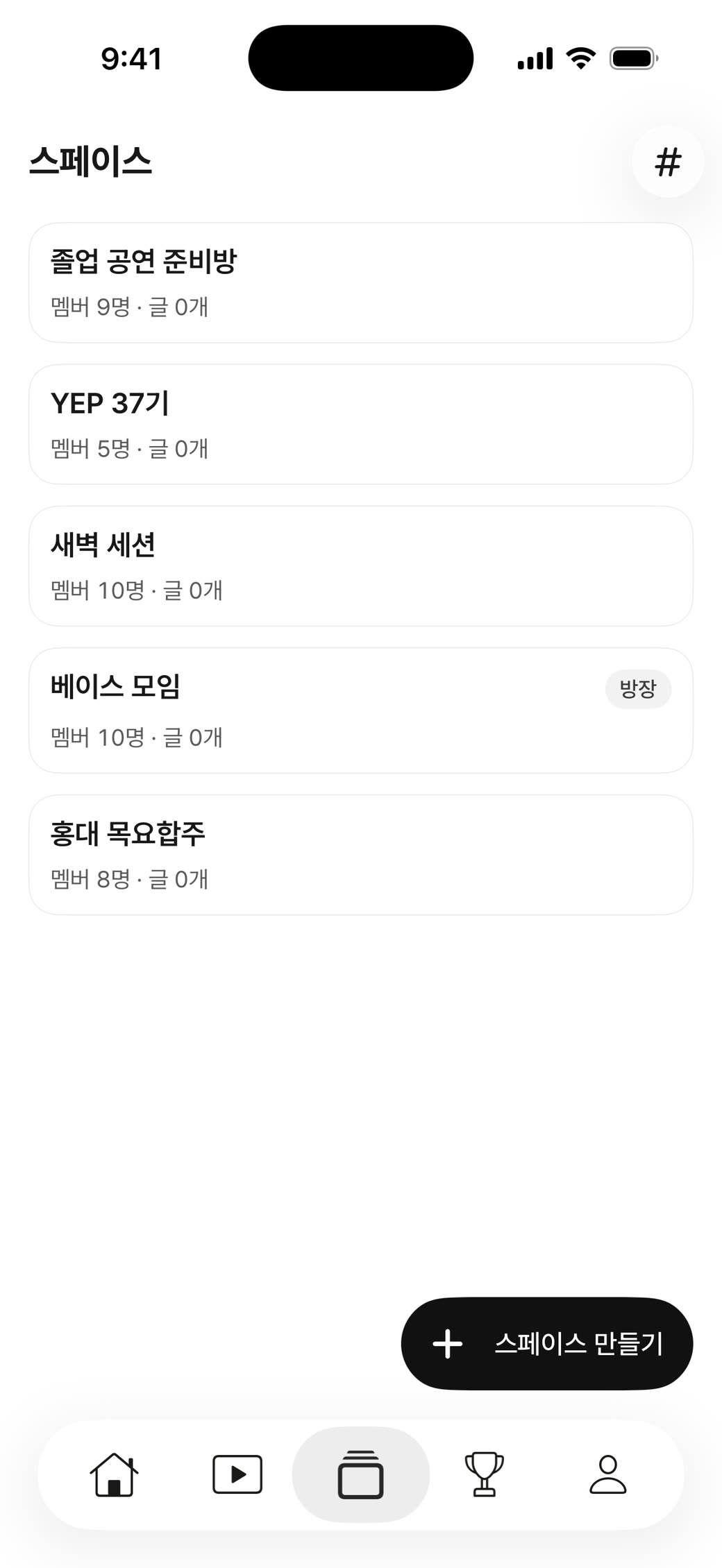
Private Spaces
Gather your crew
and jam freely
Your own Space to jam with friends.
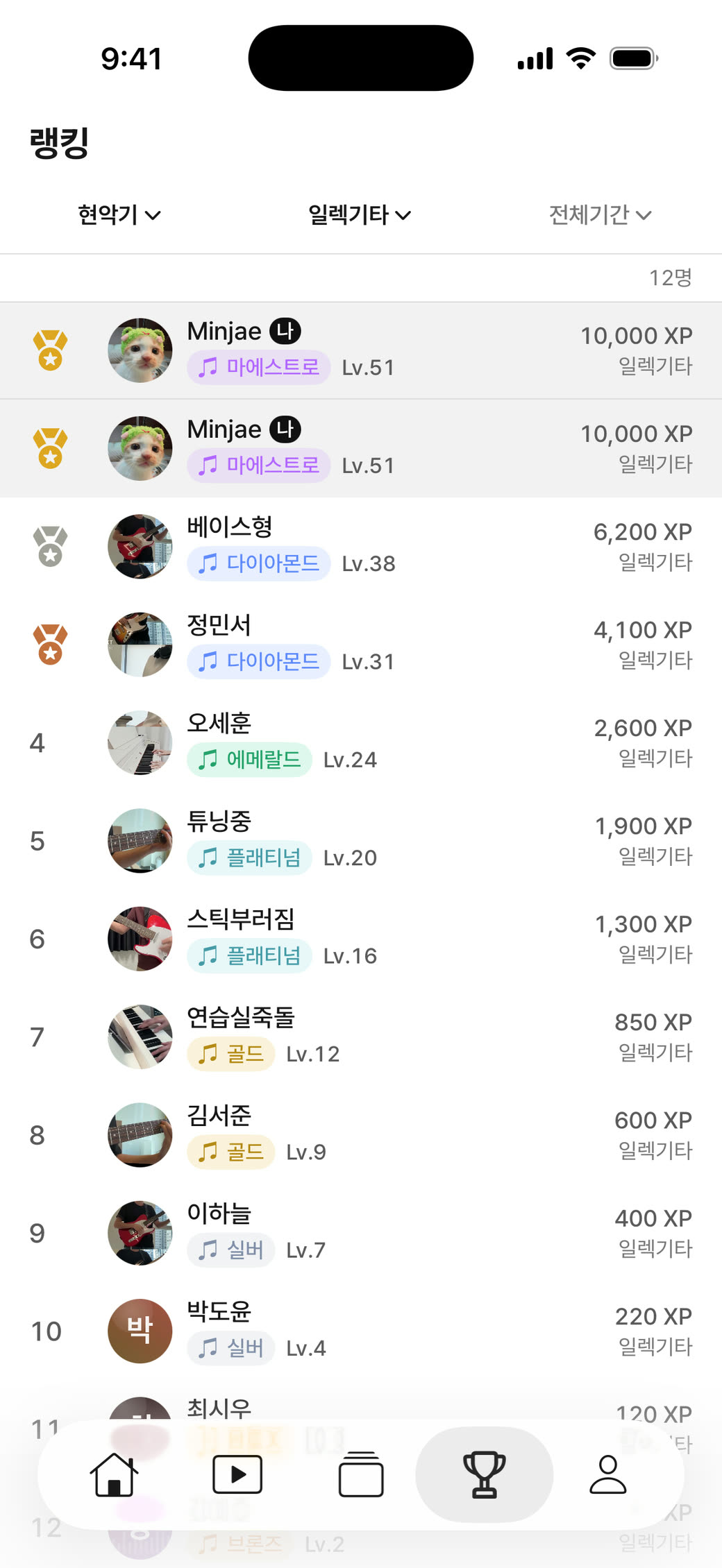
Ranking
Face off with players
on your instrument
See where you rank by instrument.
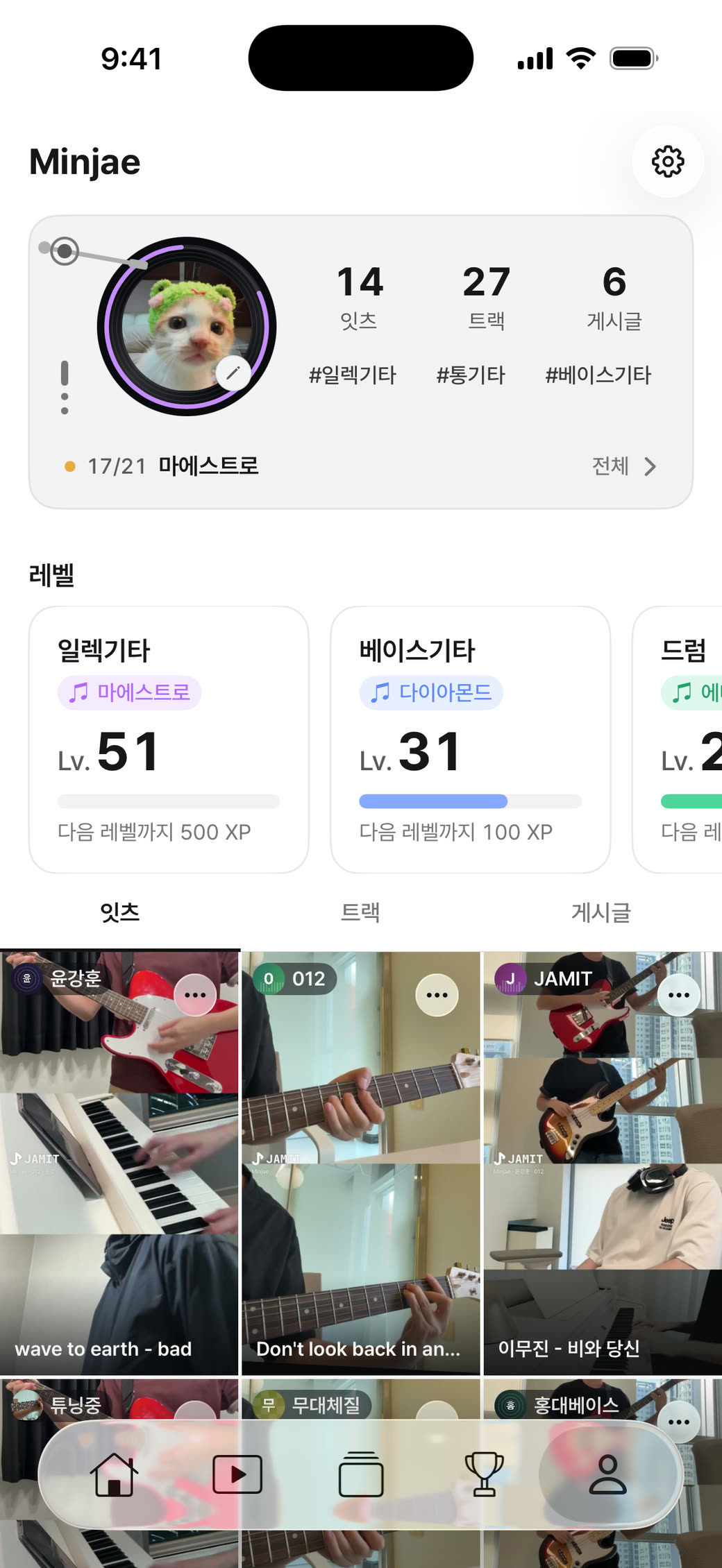
My page
Everything about you,
all in one place
Achievements, level, and your Its.
In the app
Easy for anyone
to use
Calibrate sync
Measures how long a test tone takes to leave your device and reach the mic.
Without it, your track won’t line up with the backing track.
Bluetooth · AirPods Pro
Not calibrated yet
Hold an earbud to the phone’s bottom mic
The test tone plays 6 times
Start calibration
Quit recording
Calibrating · 0/6
Stop calibration
Calibration complete
Done
Calibrate again
Download
Jam anytime,
anywhere